


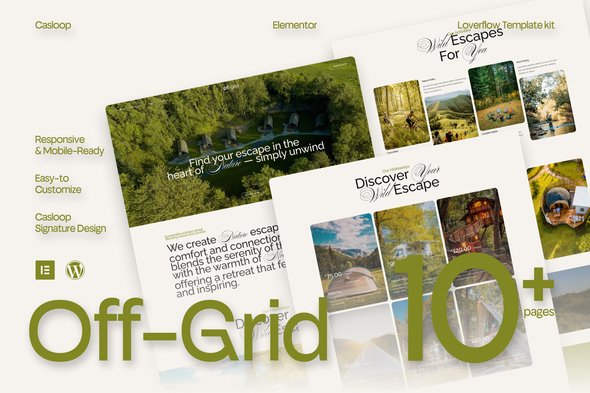

Description
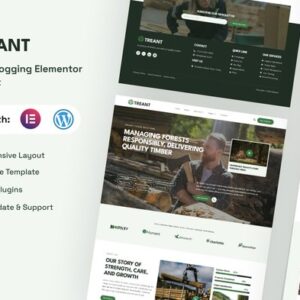
With its responsive and lightweight structure, every page delivers smooth performance across devices while remaining fully editable using Elementor Free.
Features Specification:
- Built with Elementor Free
- Fully responsive & mobile-friendly
- Lightweight structure for smooth browsing
- Modern layouts with natural visual flow
- Minimal yet adventurous page designs
- Sections for accommodation, activities, and booking
- Clean typography for clarity and elegance
- Customizable without coding knowledge
- Optimized for glamping, eco-lodges, and travel stays
- Casloop-crafted for serenity and adventure
Pages Included:
- Home
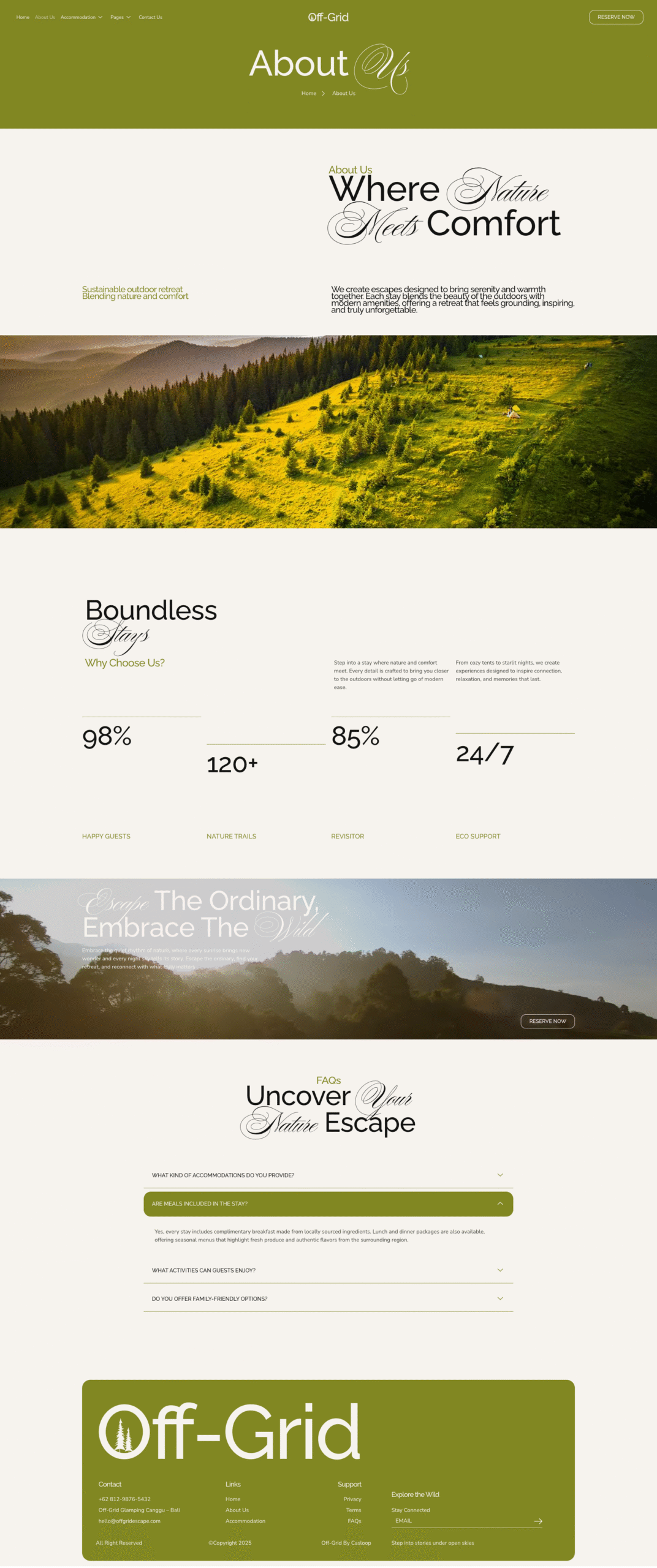
- About Us
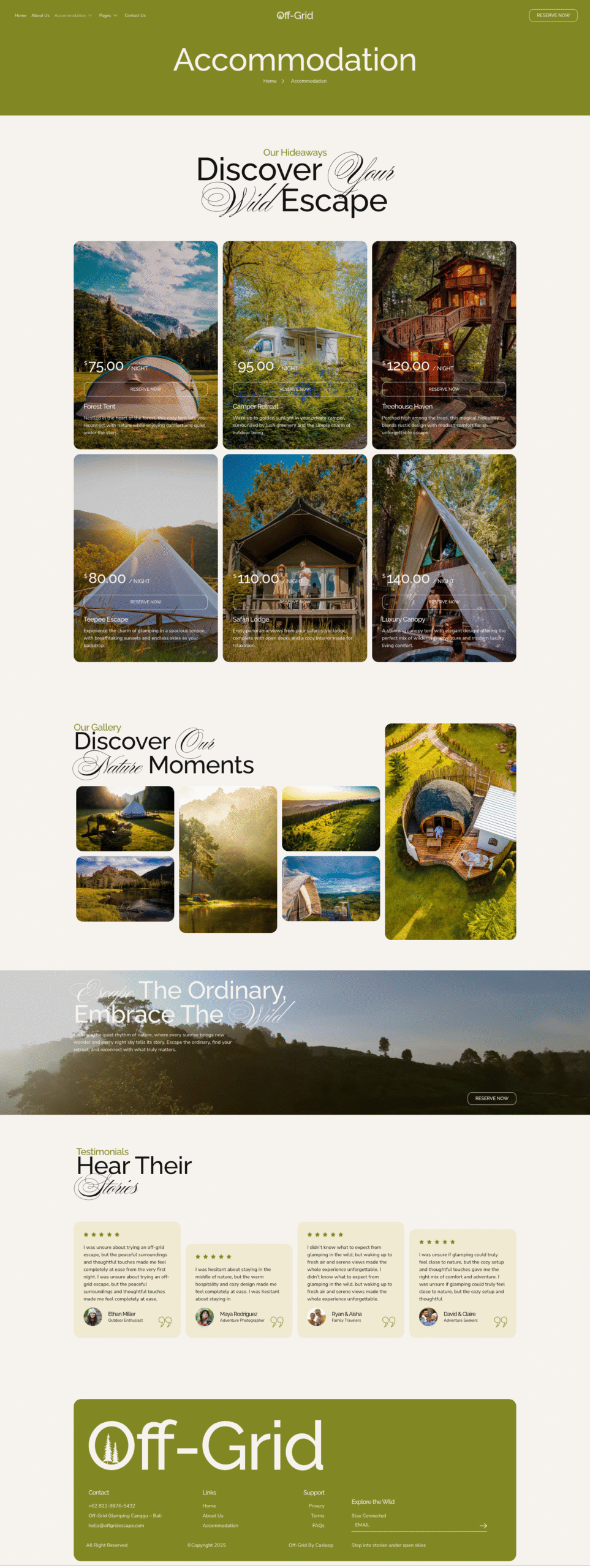
- Accommodation
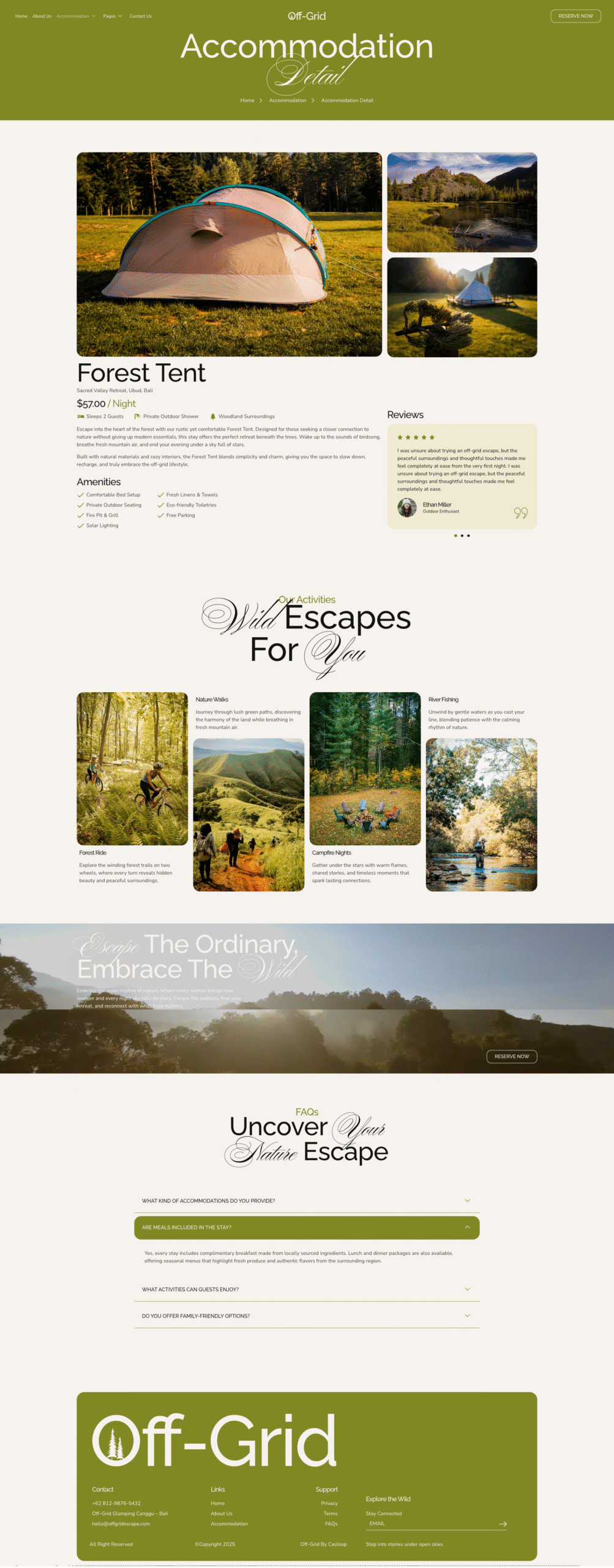
- Accommodation Detail
- Activities
- Pricing Plan
- Gallery
- FAQs
- 404 Page
- Thank You
- Contact Us
Blocks Included:
- Header
- Footer
Included Plugins:
- Elementor
- Jeg Elementor Kit
- Met Form
- Elements Kit
How to Use Template Kits:
This is not a WordPress Theme. Template kits contain the design data for Elementor only and are installed using the envato Elements plugin for WordPress or directly through Elementor.
Elementor Template Kits use the Envato Elements plugin to install.
How to setup header in Jeg Elementor Kit plugin If you have Elementor Pro, headers and footers may be customized under Theme Builder.
- Go to Jeg Elementor Kit menu item > Header Template
- Click Add New Header
- Add condition > All Site and click Create
- Click the pencil icon to Edit and elementor will appear
- Click gray folder icon to access My Templates tab
- Insert the header template.
- Customize and Save.
How to Import Metforms If you have Elementor Pro, skip install of Metform and form blocks.
- Import the metform block templates
- Import the page template where the form appears and right-click to enable the Navigator
- Locate and select the Metform widget and click Edit Form. Choose New, then Edit Form. The builder will appear
- Click ‘Add Template’ grey folder icon.
- Click ‘My Templates’ tab.
- Choose your imported metform template, then click ‘Insert’ (click No for page settings).
- Once the template is loaded, make any desired customizations and click ‘Update & Close’ The form will appear in the template
- Click Update



Reviews
There are no reviews yet.